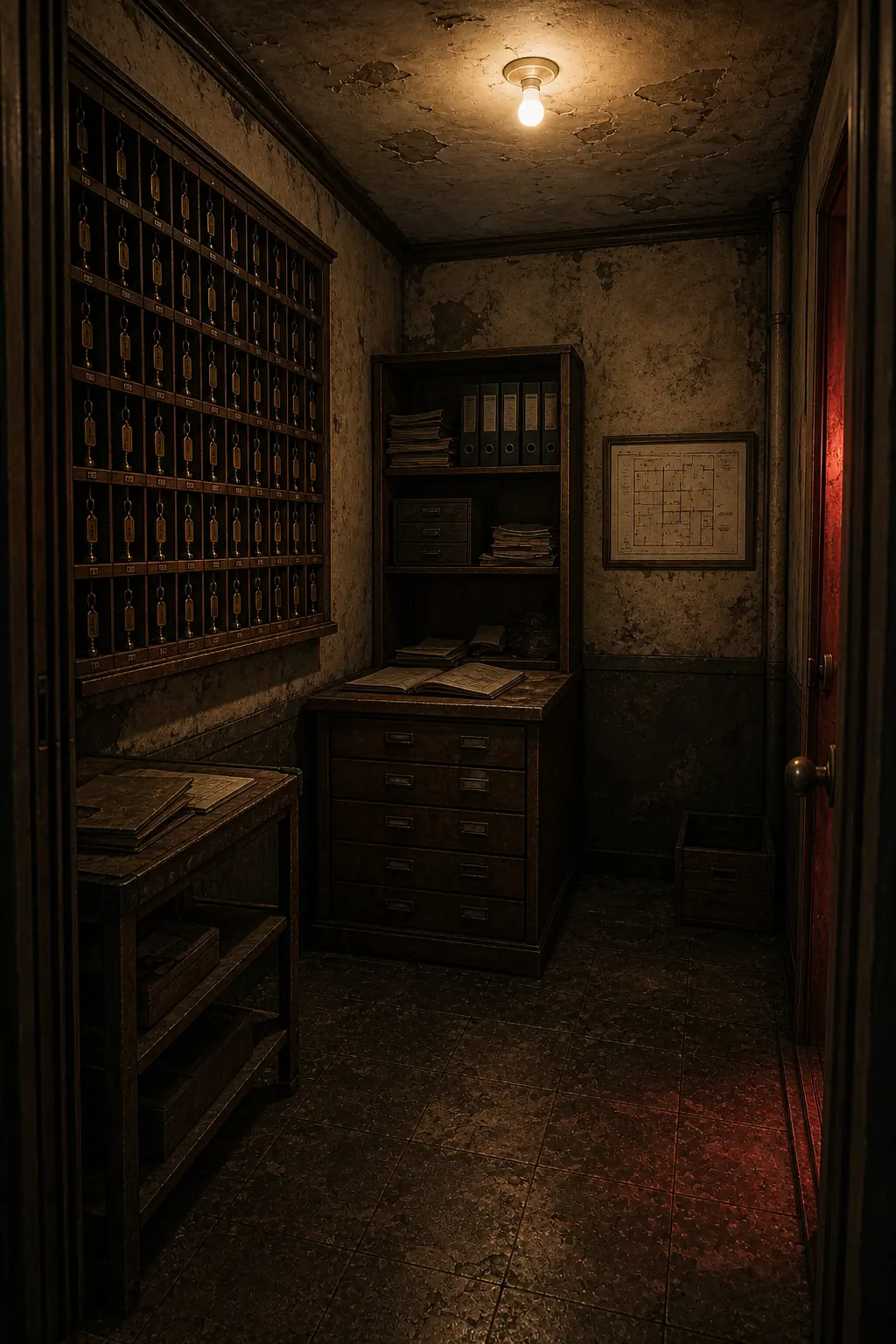
Basic controls
Click or tap objects and travel directions to investigate. Collected items enter the inventory at the bottom of the screen. Select an item and choose Use when you reach the relevant location.
- Desktop · click the object or cable, then its target
- Mobile · tap a cable, then tap the socket
- Inventory · select an item to read its details
- Language · switch Korean/English on the setup screen
Hints and results
A normal hint restates the current objective. A strong hint reads the current progress state and narrows the next action or destination. In all five stages, Show strong hint reveals the guidance immediately, without watching an ad or waiting. Revealing a new hint adds one use to the result; reopening the same revealed hint does not add another.
Time, strong hints, and deaths appear on clear screens and the final share result. Restarting after a death resets the current stage's puzzles and inventory.
When you are stuck
First identify the kind of obstacle. If you do not know what to inspect, check the current objective. If you have an item but do not know where it belongs, reread its inventory description. If you understand a device but it does not respond, check whether power or a lock must change first.
After finding a key, compare its description with devices that were previously locked instead of searching for another key immediately. If you still cannot choose a next action, open a strong hint for guidance based on the current state. This guide does not reveal passwords or the final choice.
Saving and restarting
The game uses browser site storage rather than an account. To resume, open the same game address in the browser and on the device used for that run. Progress does not automatically sync to another browser or device. Closing a private-browsing session or clearing site data can remove the saved record.
Retrying after death and starting a new run are different actions. A death retry asks you to solve the current stage again; a full restart begins a new attempt. Before clearing data to investigate a save problem, record the current screen and the last action you completed.
When the screen or sound seems wrong
Reload the page and check the speaker control for mute. If mobile controls are covered, collapse the browser bar or reopen in portrait orientation. For a repeated problem, send the device, browser, stage, and preceding action through the contact channel.